How to Choose a Processor for Video Editing and Content Creation

Choosing a Processor for Video Editing and Content Creation
Selecting the right processor (CPU) is the single most impactful decision you will make when building or buying a workstation for video editing and content creation. While the Graphics Processing Unit (GPU) handles effects and rendering in many modern applications, the CPU remains the orchestrator of your entire workflow. It dictates how fast your timeline scrubs, how smoothly you apply effects, how quickly your files export, and how well your system handles multitasking. Given that a CPU is costly and difficult to upgrade, making the correct choice from the outset is paramount. This guide will dissect the technical specifications that matter, pit AMD against Intel for specific workflow needs, and help you align your budget with your professional requirements.
The Core Truth: Clock Speed vs. Core Count
The eternal debate in the CPU world revolves around two primary metrics: clock speed (GHz) and core count. For video editing, the answer is not binary; it depends entirely on the task. Single-core performance, dictated by clock speed and architectural efficiency, governs your experience inside the video editing timeline. Real-time playback, scrubbing through high-resolution footage (4K/6K/8K), and navigating complex project files rely on the speed of a single or a few cores. A processor with few very fast cores, like the Intel Core i9-14900K with its high boost clocks, will feel snappier in the editor than a high-core-count, lower-clocked server CPU. Conversely, multi-core performance comes into play during the export or rendering phase. Encoding a final video file—whether H.264, H.265, or ProRes—scales nearly linearly with core count. Similarly, applying heavy visual effects, color grading, and running multi-cam editing software leverages all available cores. The ideal processor is a hybrid: it boasts high single-core speeds for interactive editing and enough cores to ensure renders complete before you retire for the night.
Intel vs. AMD: The Modern Landscape
The rivalry between Intel and AMD has produced an era of excellent processors for creators. Understanding the architectural differences is key. Intel currently uses a hybrid architecture (Performance-cores and Efficient-cores) in its 12th through 14th Gen processors. This design is exceptional for content creation because the operating system can assign demanding editing tasks to the fast P-cores while background processes (like file indexing or browser tabs) run on the E-cores, preventing stutter. Intel’s Quick Sync Video technology is a massive advantage for editors who rely on H.264 and H.265 codecs. Quick Sync is a dedicated hardware encoder/decoder on the die that dramatically accelerates playback and export of these formats, effectively offloading work from the CPU and GPU. If you edit heavily in H.264 (the common consumer format), Intel processors often feel smoother for the same price point. AMD’s Ryzen 7000 and 9000 series processors utilize a unified core architecture (Zen 4 and Zen 5). AMD excels in raw multi-threaded performance. Their top-tier chips, like the Ryzen 9 7950X or the new 9950X, often match or beat Intel in export times and heavy rendering tasks due to their higher core counts and superior power efficiency under sustained loads. AMD also offers pure Performance-cores, meaning no task is ever forced onto a slower core, which can be beneficial for older or legacy software that doesn’t understand hybrid scheduling. For a pure rendering farm or a system that spends 80% of its time exporting, AMD often holds the edge. For a real-time editing machine that plays back footage snappily, Intel’s hybrid design and Quick Sync are formidable.
Key Specifications Decoded
Beyond brand, several specs must be scrutinized. Cache size (L2 and L3 cache) is often overlooked. Larger caches allow the CPU to store more frequently used data closer to the processor, reducing latency. For content creation, a bigger cache (e.g., AMD’s 3D V-Cache in the Ryzen 7000X3D series) provides a tangible boost in applications that handle random, repeated data access, such as complex After Effects compositions or large Premiere Pro projects with many nested sequences. Thermal Design Power (TDP) is crucial for system stability and noise. A high-TDP CPU like a 250W Intel Core i9 requires an expensive liquid cooler and a robust power supply. Editors often work in silent environments; a CPU that runs hot and demands aggressive fan curves can be distracting. AMD’s Ryzen 9 chips generally run cooler at their stock settings than Intel’s i9, offering a quieter experience. PCIe Support dictates GPU and storage expansion. Ensure your chosen CPU supports PCIe 5.0 for future-proofing. PCIe 5.0 NVMe SSDs offer sequential read speeds exceeding 10,000 MB/s, drastically reducing loading times for large video files and project libraries. A CPU that supports PCIe 5.0 on both the GPU and storage lanes is a wise long-term investment.
Workflow-Specific Recommendations
Your choice of editing software heavily influences the optimal CPU. Adobe Premiere Pro has historically favored Intel CPUs due to its reliance on Quick Sync for hardware decoding of H.264 and HEVC. However, recent updates have improved AMD performance, especially in multi-core exports. For Premiere, an Intel Core i7 (13700K/14700K) often provides the best balance of timeline smoothness and render speed. DaVinci Resolve is a GPU-centric application, but the CPU still handles source decoding and certain effects. Here, the CPU’s memory bandwidth and data transfer speeds matter more. AMD’s Ryzen 9 chips, with their excellent memory controllers, perform exceptionally well in Resolve, especially when working with BRAW or RED RAW footage that requires intense data processing. Avid Media Composer, an industry standard for film and broadcast, is heavily single-core bound and prefers high clock speeds. Intel i7 or i9 processors with strong single-core performance are typically the safest bet for Avid. After Effects for motion graphics is a unique beast. It relies heavily on single-core performance for previews and ram previews, but also benefits from many cores during final renders. Furthermore, After Effects is extremely sensitive to RAM speed. Pairing a fast CPU (like an i7 or Ryzen 7) with high-frequency, low-latency DDR5 RAM (6000MHz or faster) will yield the most noticeable gains in comp preview timing. For Blender (Cycles render engine) and Cinema 4D, the CPU is still a primary render workhorse. A high-core-count processor, like the AMD Ryzen 9 7950X or the Intel Core i9-14900K, is non-negotiable for these 3D applications. The more cores, the faster the final render output.
Generational Considerations and Platform Longevity
Do not make the mistake of buying a processor from a generation that is being replaced. As of late 2024, the landscape is clear. Intel’s 14th Gen (Raptor Lake Refresh) is the current generation, offering the last socket for the LGA1700 platform. AMD’s AM5 platform (Ryzen 7000 and 9000 series) is newer and promises support for future CPU generations. Choosing an AM5 CPU grants you a clear upgrade path; you can buy a Ryzen 7 8700X today and upgrade to a future Ryzen 9000X3D part on the same motherboard. Intel’s LGA1700 platform is a dead-end; an upgrade to a future Intel CPU will require a new motherboard. For a content creator looking to build a system they can incrementally improve, AMD’s AM5 platform is the strategic choice. For those who plan to keep the system for 3-4 years and then rebuild entirely, Intel’s strong current performance is a compelling option.
Budget Tiers and Real-World Performance
Define your budget before reading specs. The sweet spot for most serious content creators is the $400-$550 bracket. Here, the Intel Core i7-14700K and AMD Ryzen 9 7900X sit. The i7-14700K offers 20 cores (8 P + 12 E) with Quick Sync, making it arguably the best all-rounder for video editing value. The Ryzen 9 7900X provides 12 fast cores with excellent scalability for exports and 3D rendering. For a budget-friendly build (under $300), the Intel Core i5-14600K or AMD Ryzen 7 7700X are excellent. The i5-14600K punches far above its weight for editing, easily handling multi-stream 4K timelines. The Ryzen 7 7700X offers a smooth and efficient 8-core experience. For the enthusiast or professional (over $600), the Intel Core i9-14900K and AMD Ryzen 9 7950X (or 9950X) are the flagships. The i9-14900K offers the highest single-core boost (6.0 GHz) and best IPC, leading in real-time editing feel. The Ryzen 9 7950X offers 16 full-strength Zen 4 cores, dominating in multi-threaded rendering and export times, often by 20-30% over the i9 in heavy workloads. For pure rendering power, the 7950X is the king.
Memory and Cooling Considerations
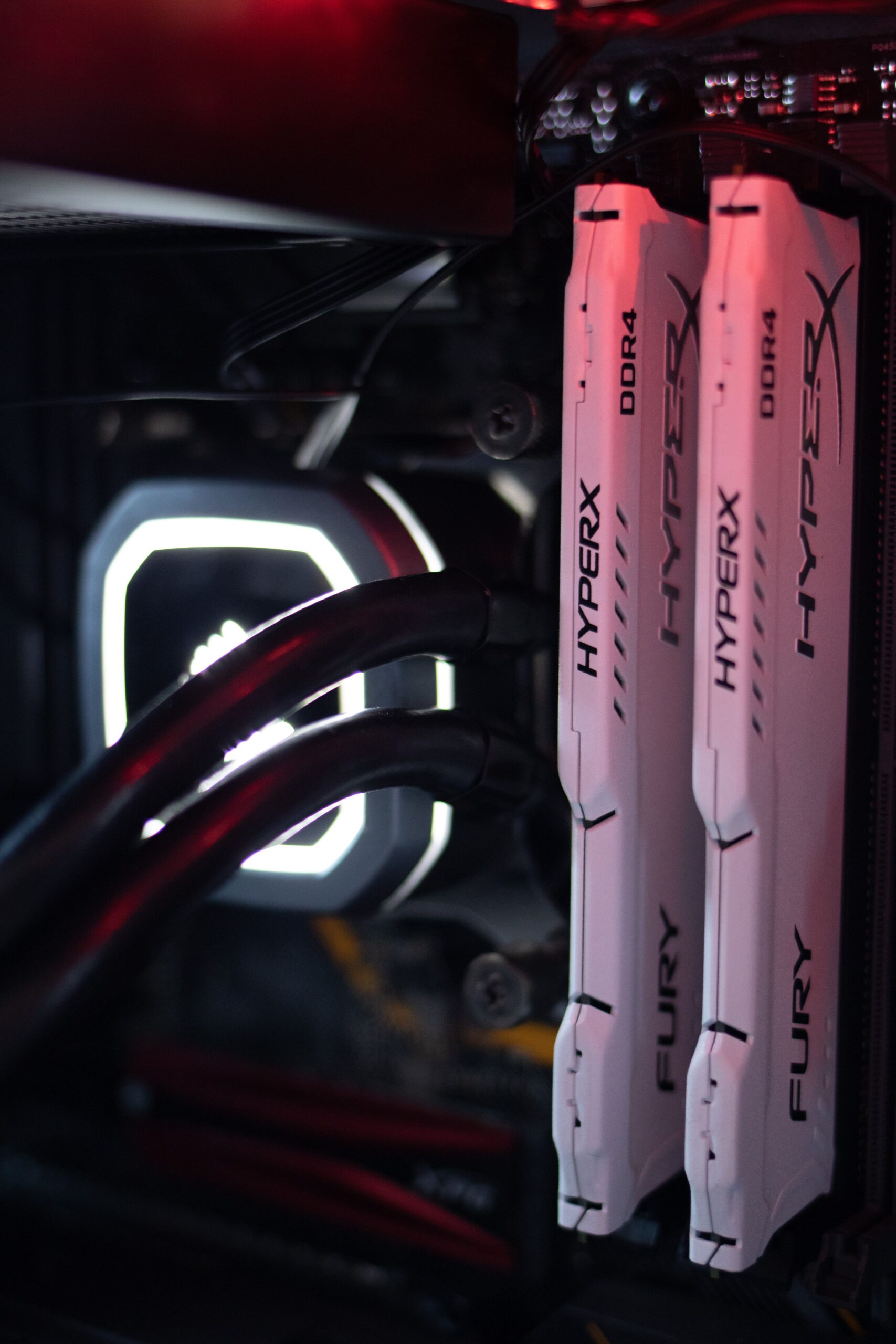
The processor choice dictates your RAM and cooling infrastructure. Intel’s high-end chips run hot; an i7-14700K under full load requires a 240mm or 280mm liquid cooler, while an i9-14900K practically demands a 360mm or 420mm AIO (All-In-One liquid cooler) to avoid thermal throttling. AMD Ryzen 7000/9000 chips run cooler at stock but benefit from good airflow. Memory capacity is equally critical. For 1080p editing, 32GB of DDR5 is the minimum. For 4K and 6K workflows, 64GB is the new standard, allowing you to keep multiple projects, browsers, and background apps open. For 8K or heavy After Effects work, 128GB (4x32GB) is justified. However, populating all four DIMM slots on a motherboard can stress the CPU’s memory controller, forcing you to run RAM at lower speeds (e.g., 4800MHz vs. 6000MHz). A dual-stick kit (2x32GB for 64GB) is optimal for stability and speed. Always consult your CPU’s official memory support list (QVL) for the fastest validated speeds.
The Final Technical Check: Single-Threaded Benchmarks
When navigating benchmark charts, ignore cinebench multi-core scores if your primary use is timeline editing. Seek out Geekbench 6 Single-Core scores. A processor with a single-core score above 3,000 will provide a fluid, responsive editing experience. Processor with a score below 2,500 will feel sluggish when scrubbing 4K RAW footage. For reference, the Intel i9-14900K scores around 3,100 single-core, while the AMD Ryzen 9 7950X scores around 2,900. The i5-14600K scores approximately 2,800. Use this as your primary metric for software preview performance. Pair this with a multi-core score that is at least 5-7 times higher than the single-core score for export efficiency. A CPU that scores highly on both (like the i7-14700K) is the golden ticket for video editing.